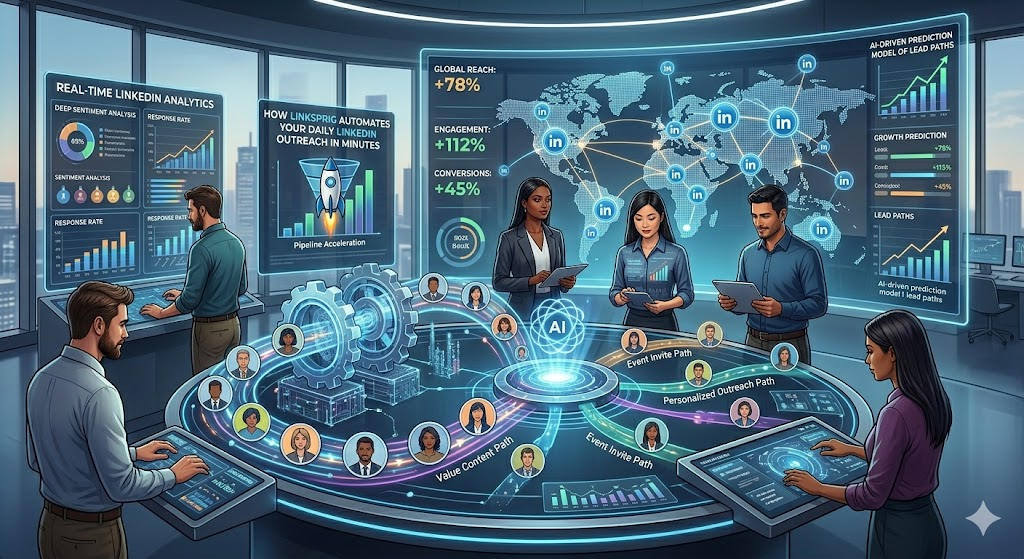
How LinkSprig Automates Your Daily LinkedIn Outreach in Minutes
Most professionals know LinkedIn works for lead generation.
The real problem?
Consistency.
Daily outreach requires hours of searching, messaging, tracking, and following up.
LinkSprig compresses these activities into minutes through intelligent automation.
What Is Automated LinkedIn Outreach?
Automated outreach uses software to execute repetitive actions like prospect discovery, messaging, and follow-ups automatically.
Instead of logging into LinkedIn multiple times daily, users define goals once and let automation run continuously.
How LinkSprig Automates Daily Tasks
Prospect Discovery
AI finds high-fit leads automatically.
Message Creation
Human-like personalized messaging is generated instantly.
Connection Sending
Requests are scheduled naturally.
Auto Replies
Incoming responses trigger smart engagement.
Follow-Up Automation
No opportunity slips through.
Daily Tasks Eliminated
- Manual prospect searches
- Copy-paste messaging
- Tracking spreadsheets
- Reminder management
- Outreach scheduling
Benefits of Daily Automation
- Saves hours every week
- Maintains consistent activity
- Prevents pipeline gaps
- Reduces mental fatigue
- Improves response rates
Manual Outreach vs Automated Workflow
| Activity | Manual Method | LinkSprig Automation |
| Lead Research | Hours | Minutes |
| Messaging | Repetitive | AI-generated |
| Follow-ups | Forgotten | Automated |
| Tracking | Spreadsheets | Dashboard |
| Time Investment | High | Minimal |
Automation Efficiency Comparison
| Metric | Manual Outreach | LinkSprig |
| Daily Time Required | 2–4 hours | 10–15 minutes |
| Outreach Consistency | Low | High |
| Burnout Level | High | Low |
| Scalability | Limited | Unlimited |
Final Thoughts
The biggest competitive advantage today isn’t better messaging.
It’s consistent execution.
LinkSprig ensures outreach happens daily, even when users are busy running their businesses.
Automation becomes the invisible sales assistant working behind the scenes.
FAQs
Does automation replace salespeople?
No. It enhances productivity.
Can beginners use it?
Yes, no technical setup required.
Is it browser-based?
Yes no installation needed.
Can teams collaborate?
Yes, shared workflows support teams.
What’s automated vs manual?
Repetitive tasks are automated; strategy remains human.


